
Teach'a'Topic: Frictionless
'Learning by Teaching,' with AI
TeachaTopic is a concept app that helps students learn by teaching, developed as part of my master’s project investigating why this method is rarely used.
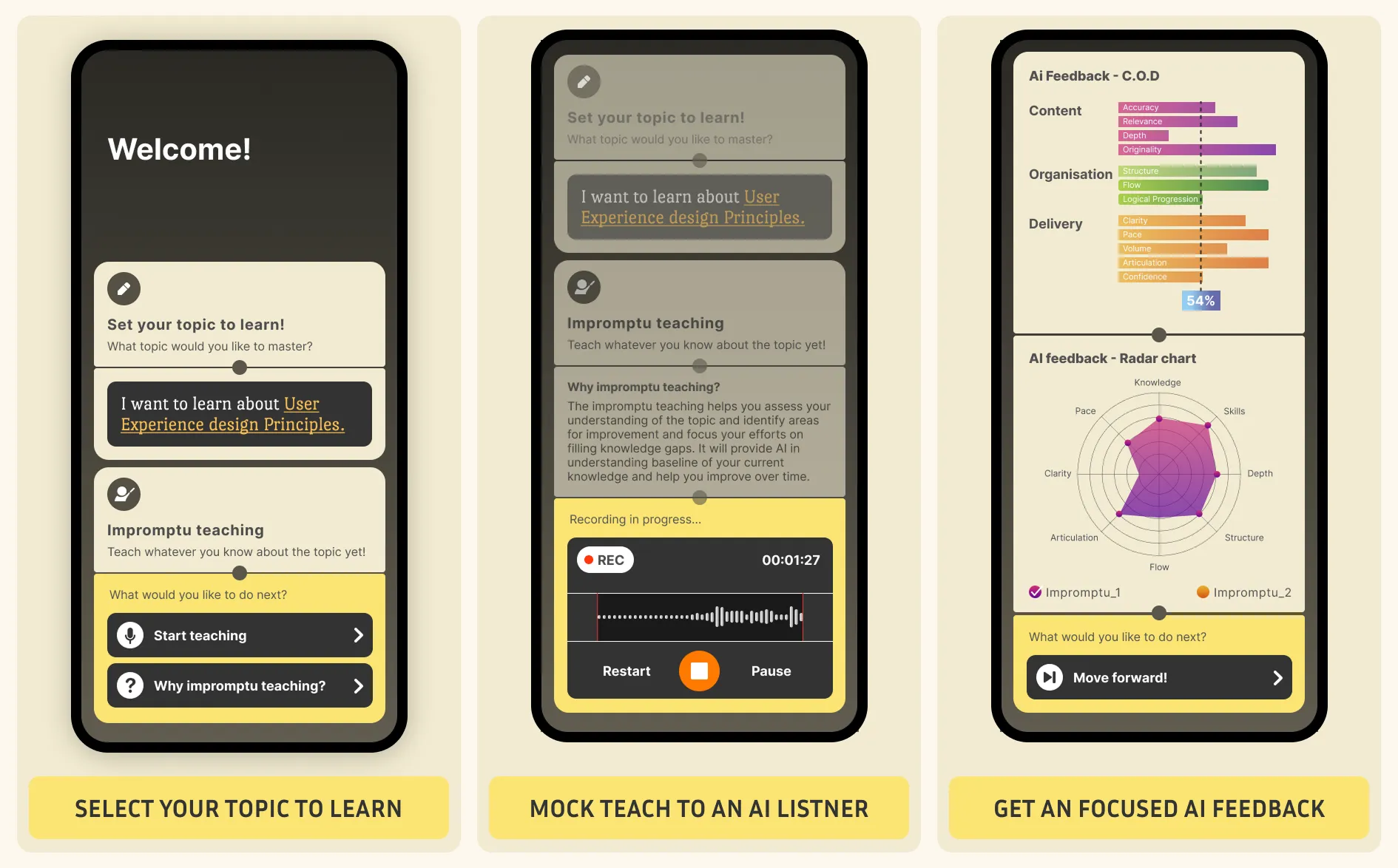
Challenge: Teaching others is one of the highly effective learning method, yet it is rarely practiced. In a survey of 48 students, 88% recognized its value, but only 8% have tried it, mainly due to logistical barriers such as scheduling and coordination.
What I Owned End to End
Mostly solo execution, with mentor coaching and regular review meetings.
Research, synthesis, concepts, prototyping, testing, and final UI design.
Initial idea and the pivot to AI, set success criteria, and shaped the final flow.
Independent execution, with mentor critique and regular review meetings.
Students Knew Teaching Helps Them Learn, But Rarely Used It
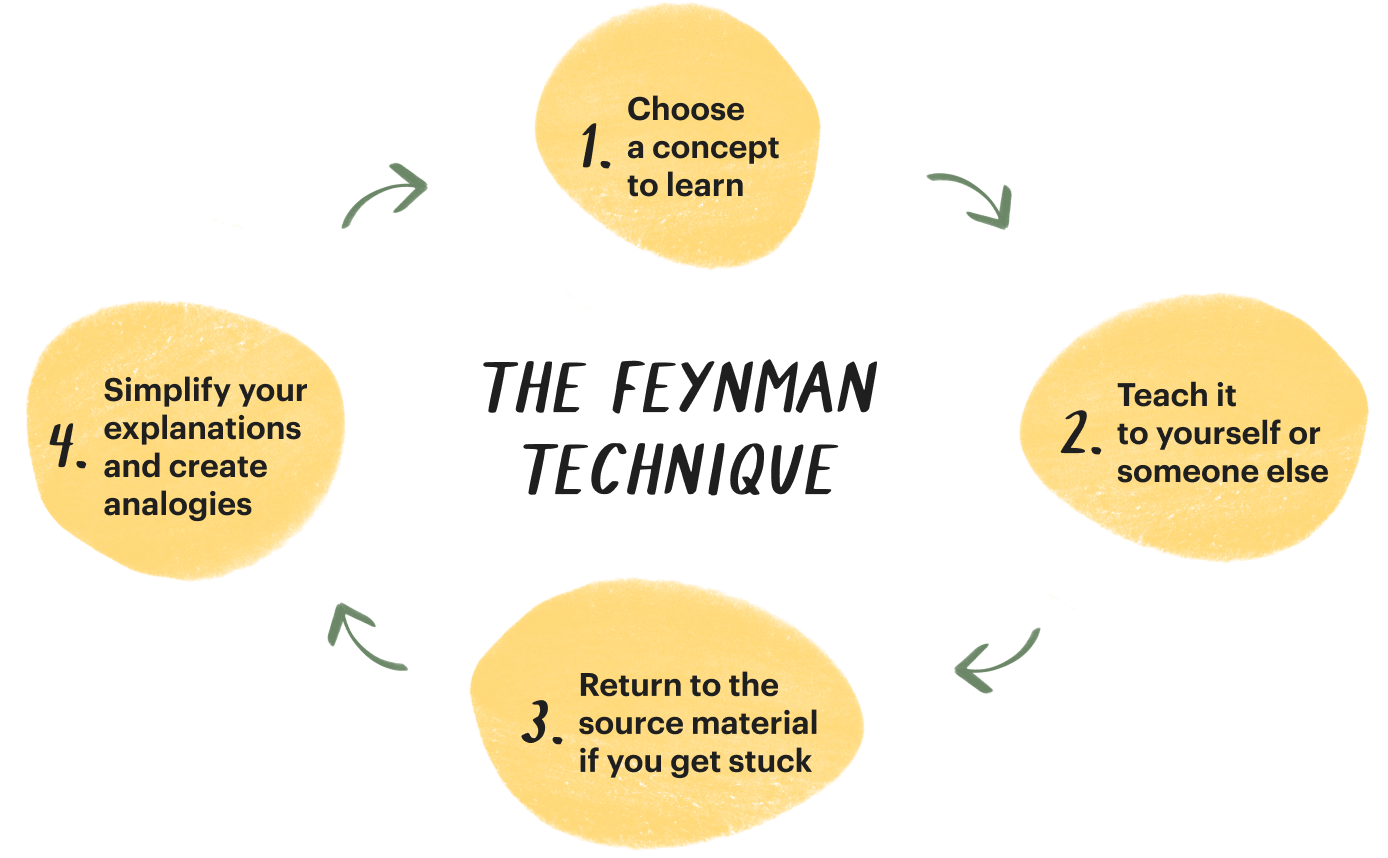
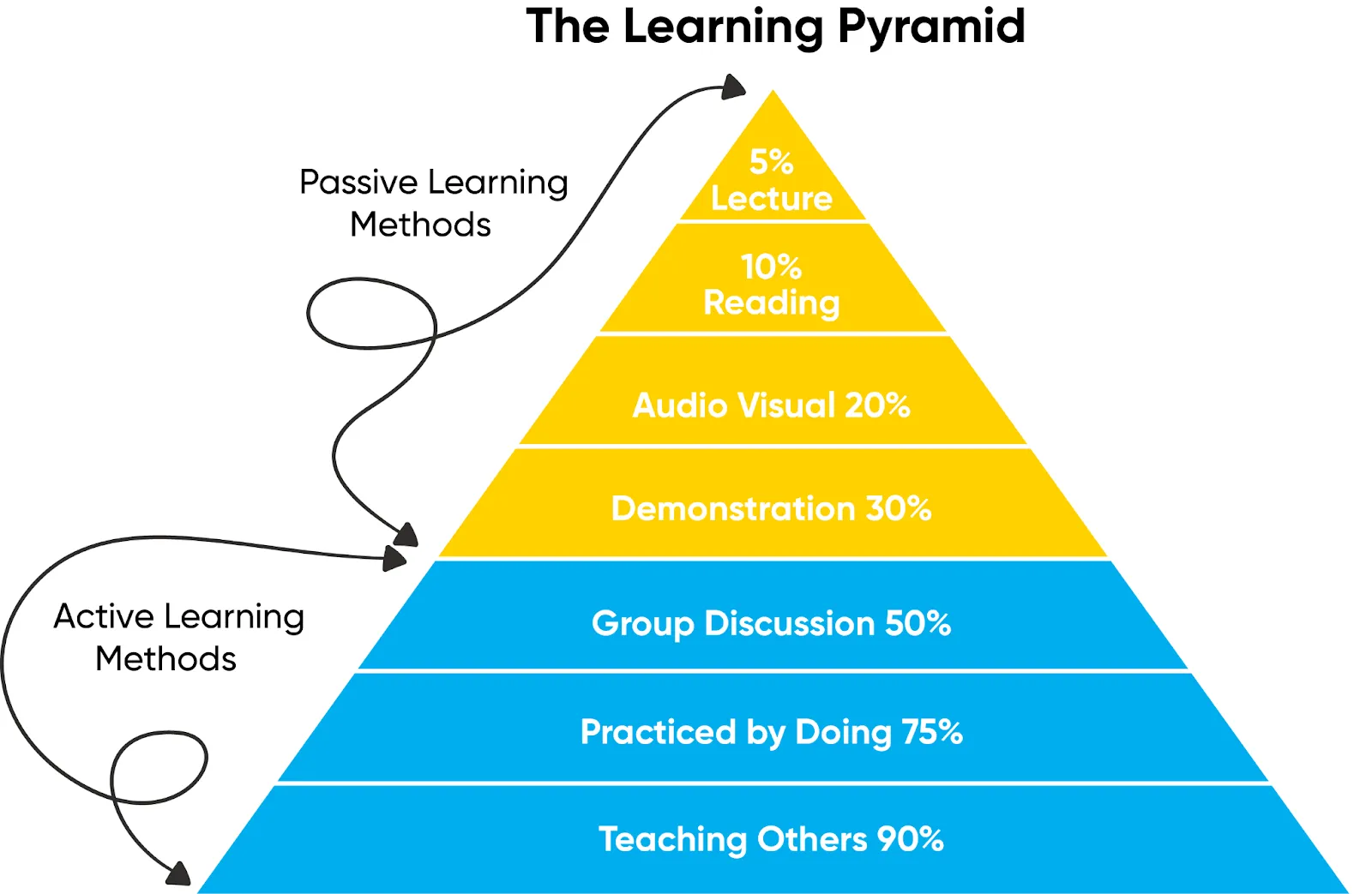
Teaching someone is one of the most effective ways to learn, yet in a survey of 48 learners, 88% acknowledged its value while only 8% had actually practised it. The main barriers were logistical, especially scheduling and coordination.
Survey signal
Aware that teaching improves learning
88%
Used it at some point
8%
How might we enable learners to benefit from teaching without these frictions?
Human Matching Solved Logistics, But Not Social Hesitation
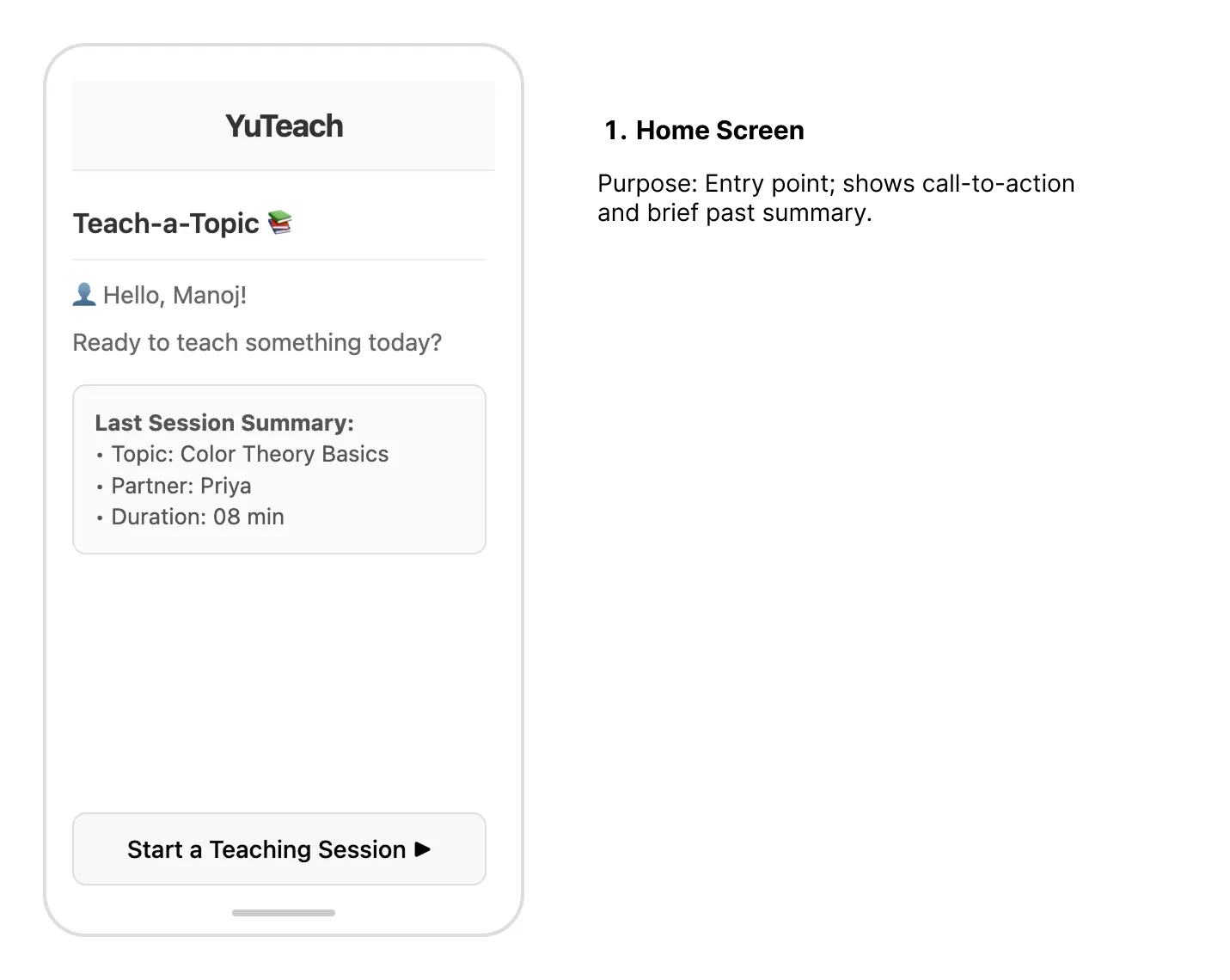
To reduce the above friction, I designed a simple connect → teach → feedback → repeat flow that lets learners practice through teaching, then validated it through user testing.
human-matching-flowchart.png
USER TEST: I walked 5 participants through this wireframe to understand whether the concept would make them feel comfortable starting a teaching session.
If this flow reduced the logistical friction, users would focus more on teaching.
Four participants said they would hesitate to start a teaching session using this flow.
Explore the wireframe here ->
Because of hesitation to start with a human partner, I pivoted the concept to an AI listener.
I Replaced Human Matching with an AI Listener
To eliminate scheduling and judgment barriers, I swapped the peer partner for an AI listener that lets learners start immediately, receive automated feedback, and repeat sessions at their own pace.
Success criteria were simple:
Start friction
Repeat intent
Next, I tested whether the AI listener actually reduced start friction and increased repeat intent.
Testing Whether the 'AI' Reduced Hesitation and Increased Return Intent
I created low-fidelity prototypes across two rounds and iteratively refined them through user testing.
Insights
Start signal
Repeat signal
Changes
Feedback now focused on one gap instead of all at once. Clear next step made it easier to act on. Thread UI added continuity between sessions.
Round 1 vs Round 2
Updates made after first round of testing
Results
Return likelihood
Start behavior
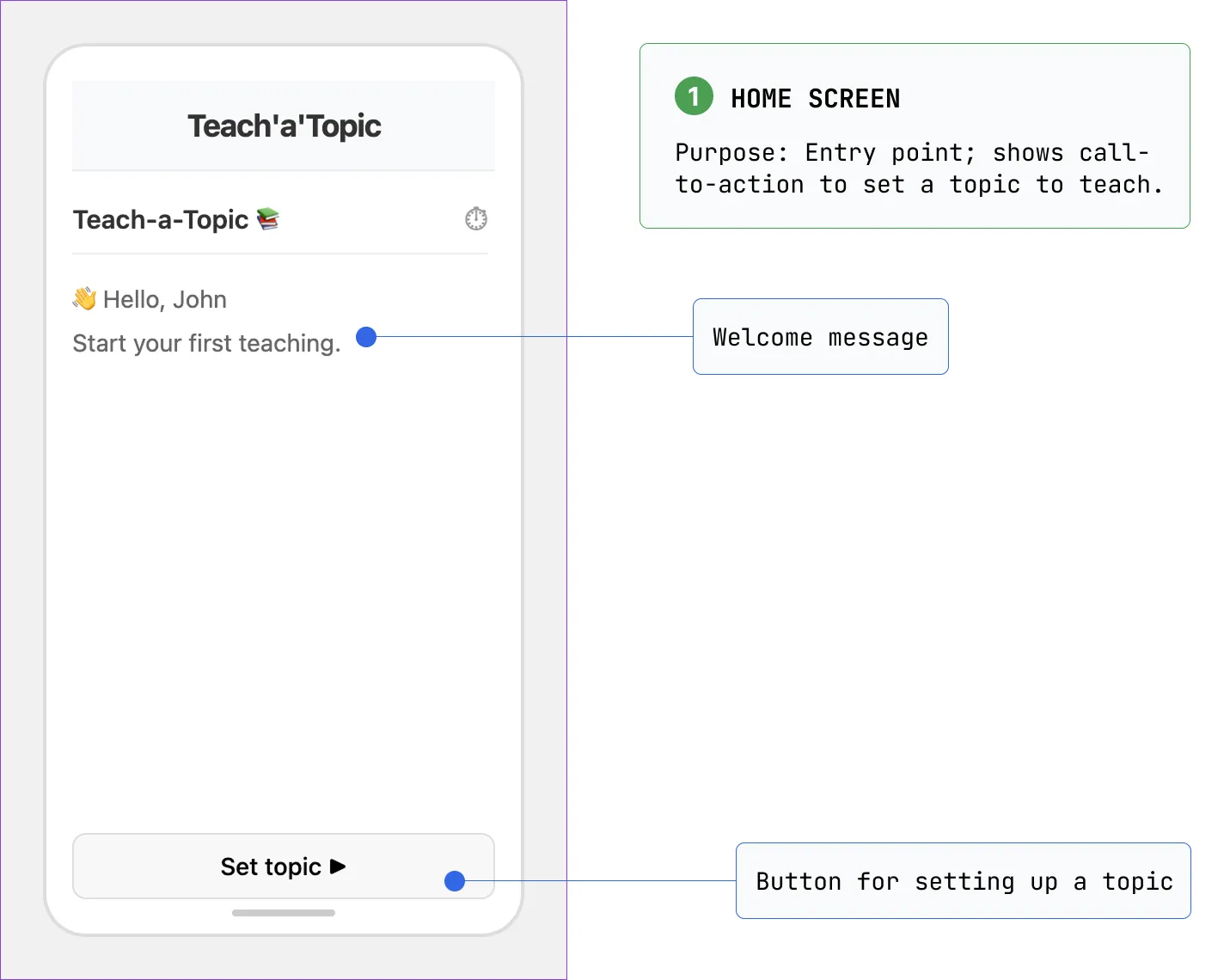
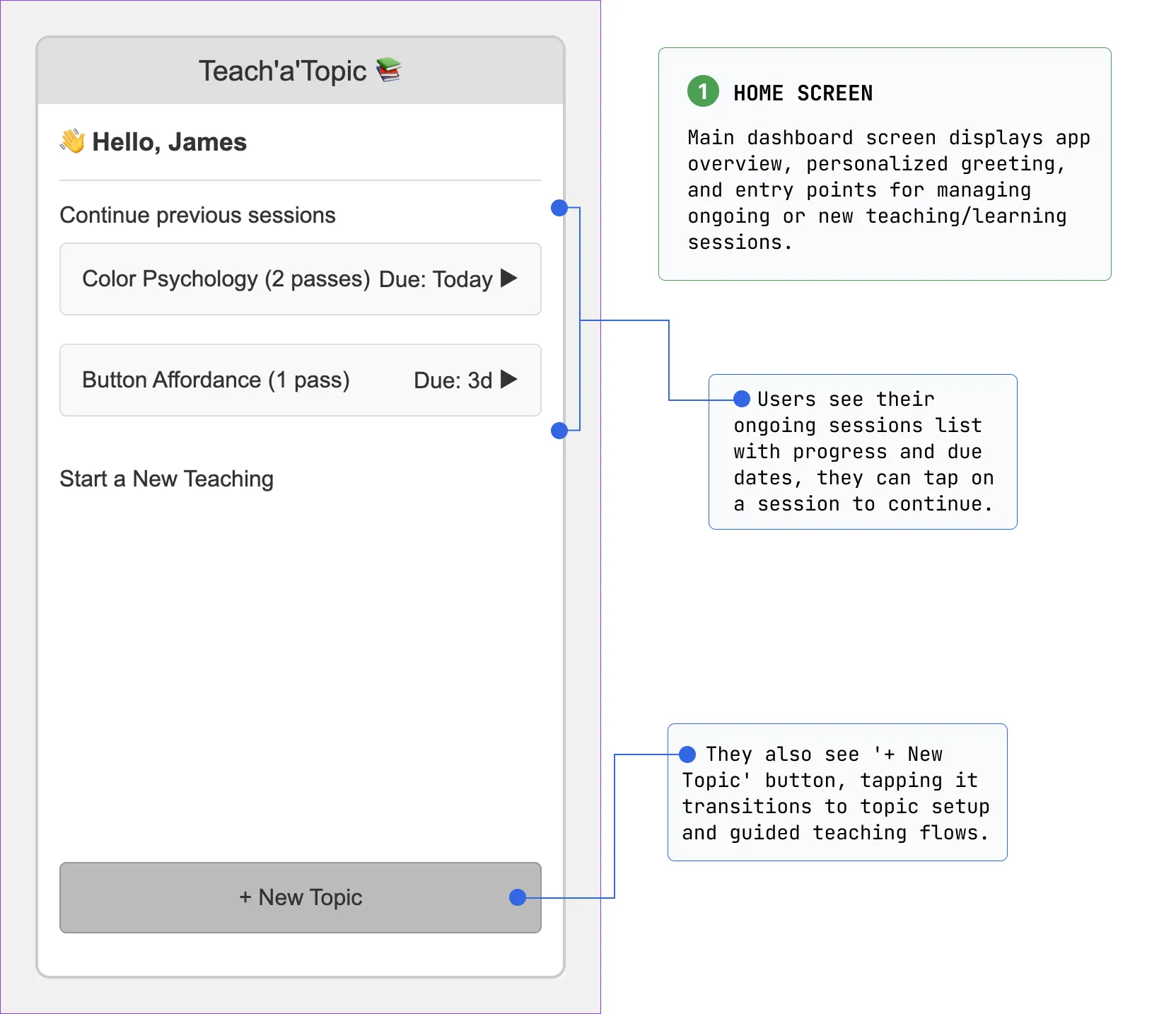
Shaping the Final Experience Through Hi-Fi Testing and UI Refinement
After defining the flow and tone, I built and tested a hi‑fi prototype, addressed issues like distracting teaching screens and thin feedback, and iterated to reach the final design.
Flow chart
What informed the first hi-fi pass
Flow chart to validate the journey logic
Hi-Fi prototype and Testing
8 participants tested the prototype
Testing the high-fidelity version revealed three issues that had to be resolved before finalizing the experience:
1. Teaching screens had distractions.
2. Text-only feedback felt too thin.
3. Repeating the loop risked becoming boring.
Recording focus
Response to the main focus issue
A more focused recording view reduced distraction
Setting up
One of the final polished screens
The final flow makes it easy to begin quickly, stay focused while teaching, and receive clearer feedback afterward.
These refinements led to the final high-fidelity prototype:
Final PrototypeWhat This Project Proved and What Comes Next
The project closes with what the work proves now and what should happen next to make it stronger.
This project shows a strong product-design loop: find the real barrier, test alternative directions, refine the interface, and define the right next step.
4 strengths
I identify and validate behavioural problems with evidence.
I iterate rapidly based on user feedback and am willing to pivot direction.
I design for long-term behaviour change, not one-off interactions.
I turn insights into testable product loops and polished designs.
3 next steps
Building an MVP
To test learning outcomes, not just usability.
Collaborating with educators
To develop credible feedback criteria.
Exploring ethics and bias
To understand the implications of AI-generated feedback.